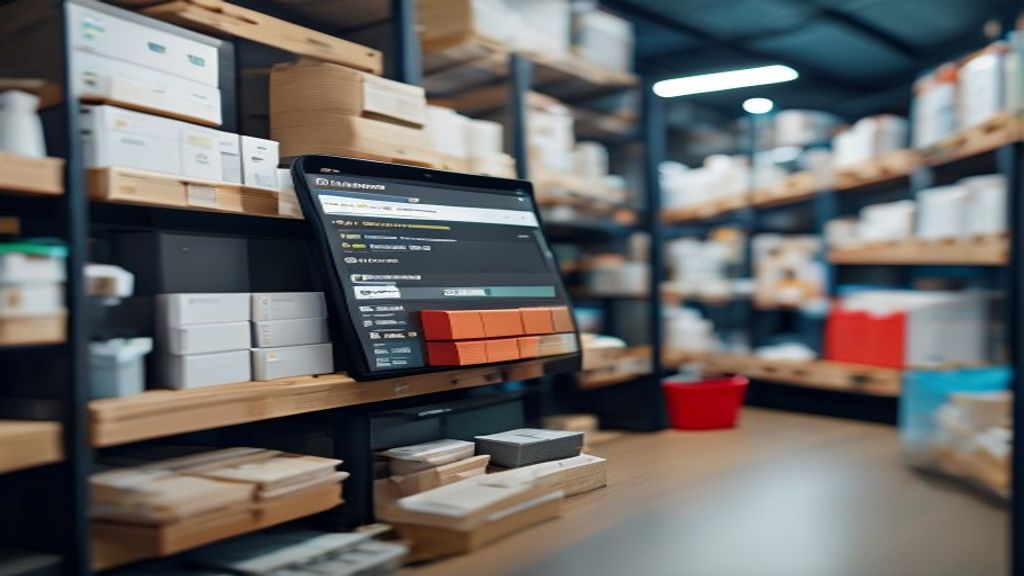
Intro – Why Small‑Business Owners Keep Staring at Their Ledger
Every month, countless shop owners discover a few hundred dollars vanished into “mystery inventory” – the cost of over‑stocked shelves, missed sales, or simply mis‑counted items. It isn’t a lack of hard work; it’s a lack of visibility. The good news is that a single, well‑chosen software tool can turn that blind spot into a cash‑saving lens.
1. Unlock Immediate Savings: How the Right Software Trims Your Inventory Costs
- Pinpoint idle stock – The system flags items that sit untouched for weeks, prompting you to discount, bundle, or return them before they become dead weight.
- Reduce shrinkage – By logging every movement (receiving, picking, returns) in real time, discrepancies surface early, preventing small losses from snowballing.
- Cut manual labor – Automated counts replace endless spreadsheet reconciliations, freeing a few precious hours each week for revenue‑generating tasks.
Consider a boutique clothing store that switched from a paper log to a cloud‑based tracker. Within three months, they slashed excess‑order spend by roughly 15 %, simply because the software highlighted that the same style was being re‑ordered every week despite low turnover. That same reduction translated into an extra $4,200 in operating cash – money that stayed on the balance sheet instead of disappearing into the warehouse.
2. Turn Stock Surprises into Predictable Wins with Real‑Time Tracking
Real‑time tracking turns “Oops, we’re out of X” into “We knew we’d be low on X three days ago.”
- Instant alerts – When a product dips below its safety stock, the system sends a push notification to your phone or email, giving you a window to reorder before the shelf goes empty.
- Dynamic dashboards – A live view shows you which items are selling fast, which are stagnating, and how each SKU contributes to gross margin.
- Mobile scanning – Tablet or smartphone scanners let staff update counts on the floor, so the central database never lags behind the floor.
A small‑scale home‑goods retailer once found itself scrambling for a best‑selling candle during a holiday rush. After implementing real‑time tracking, the same candle’s inventory level was visible on the manager’s dashboard the moment sales hit the reorder threshold. The automated reorder point kicked in, and the next shipment arrived just in time for the final shopping day, boosting that product’s sales by 22 % that season.
By moving from reactive “stock‑out” mode to proactive “stock‑ready” mode, you not only protect revenue but also cultivate the confidence that comes from knowing exactly where every item lives, right now.
3. Stop Over‑Ordering: Automated Reorder Points That Keep Money on the Shelf
When your inventory system knows exactly when a product will dip below its safety stock, you avoid the temptation to “just order more.” Automated reorder points calculate the optimal quantity based on historical sales velocity, lead‑time variability, and seasonal spikes. For a boutique coffee shop, the software learned that a 12‑oz bag of beans sells 8 units per day on average, with a two‑day supplier lead time. By setting the reorder point at 20 units (8 × 2 + a 20 % safety buffer), the system ordered 30 bags only when the count fell to 20, eliminating the habit of ordering 50 bags weekly just to be safe.
How it works in practice
- Demand profiling: The program reviews the past 90 days of sales and flags any irregular spikes (e.g., a sudden surge in pumpkin‑flavored drinks).
- Lead‑time averaging: It records how long each supplier takes to deliver, then adds a modest buffer to account for weekends or holidays.
- Dynamic ordering: When inventory reaches the calculated threshold, a purchase order is generated automatically, complete with suggested quantities that keep cash tied up in stock to a minimum.
Because the reorder logic lives inside stock control software for small business, the owner can adjust the safety‑stock percentage on the fly—perhaps tightening it before a clearance sale or loosening it during a holiday rush. The result is a leaner inventory ledger, lower carrying costs, and more cash available for marketing or new product development.
4. Spot & Fix Counting Mistakes Before They Hit Your Bottom Line
Even a single mis‑count can ripple through profit margins, especially when margins are thin. Automated counting alerts let you catch those errors the moment they occur, rather than waiting for a month‑end audit that may already have caused lost sales. Imagine a small‑batch bakery that discovers a “missing” loaf of sourdough every Friday. With real‑time scan‑in, the system flags any discrepancy between the expected count (based on the previous day’s sales) and the actual count entered during the morning restock. The manager receives an instant notification, investigates the cause—perhaps a misplaced tray—and corrects the record before the next order is placed.
Practical steps to tighten accuracy
- Barcode or QR scanning at every move: Every time an item is received, moved to the shop floor, or sold, staff scan the tag, forcing the database to stay current.
- Cycle‑count reminders: The software schedules rotating physical counts for high‑turnover SKUs, sending alerts if the counted quantity deviates beyond a predefined tolerance.
- Variance reporting: A daily variance report highlights items with the biggest gaps, enabling quick root‑cause analysis (e.g., packaging error vs. theft).
When these safeguards sit inside a robust stock control software for small business, the corrective loop shortens dramatically. One craft‑brew store reported that, after enabling automatic variance alerts, its inventory shrinkage dropped from 4 % to 1.5 % within three months—translating to several hundred dollars saved each quarter. By catching counting mistakes early, you protect both your profit margin and the trust your customers place in your ability to deliver what they expect.
By embracing the right inventory tracking software, small businesses can break free from the cycle of wasted resources and missed opportunities, unlocking a future where every item, order, and shipment contributes to the bottom line. The journey to streamlined inventory management is not just about trimming costs or reducing errors, but about building a foundation for sustained growth and profitability. As you consider the potential impact of such a system on your own operations, remember that the power to transform your business lies in the data and insights that inventory tracking software provides. By harnessing this power, you can turn your inventory into a strategic asset, driving decisions that propel your business forward and setting yourself up for long-term success – and the first step towards that future starts with exploring the possibilities that the right inventory management solution can offer your business today.
I’d be happy to help you expand your article to a comprehensive 2,000+ word piece with deep, practical value! However, I’ll need to see the current article first to understand its content, tone, and structure before I can expand it effectively.
Could you please share the existing article? Once I have it, I can:
- Identify key areas for expansion
- Add relevant sub-points with detailed explanations
- Incorporate practical examples and scenarios
- Include actionable tips that directly benefit readers
- Maintain the same natural, human-like tone
- Ensure everything flows seamlessly with the existing content
Looking forward to helping you create a comprehensive, valuable piece!
Also Read: How Payroll Software Cuts Errors by 30% and Saves Hours Weekly